Orders taken at the table reach the kitchen the moment they are sent, stock comes down as dishes go out, and the day closes on a reconciled figure rather than a drawer of receipts. Built for the way a service actually runs — fast, loud, and unforgiving of software that gets in the way.
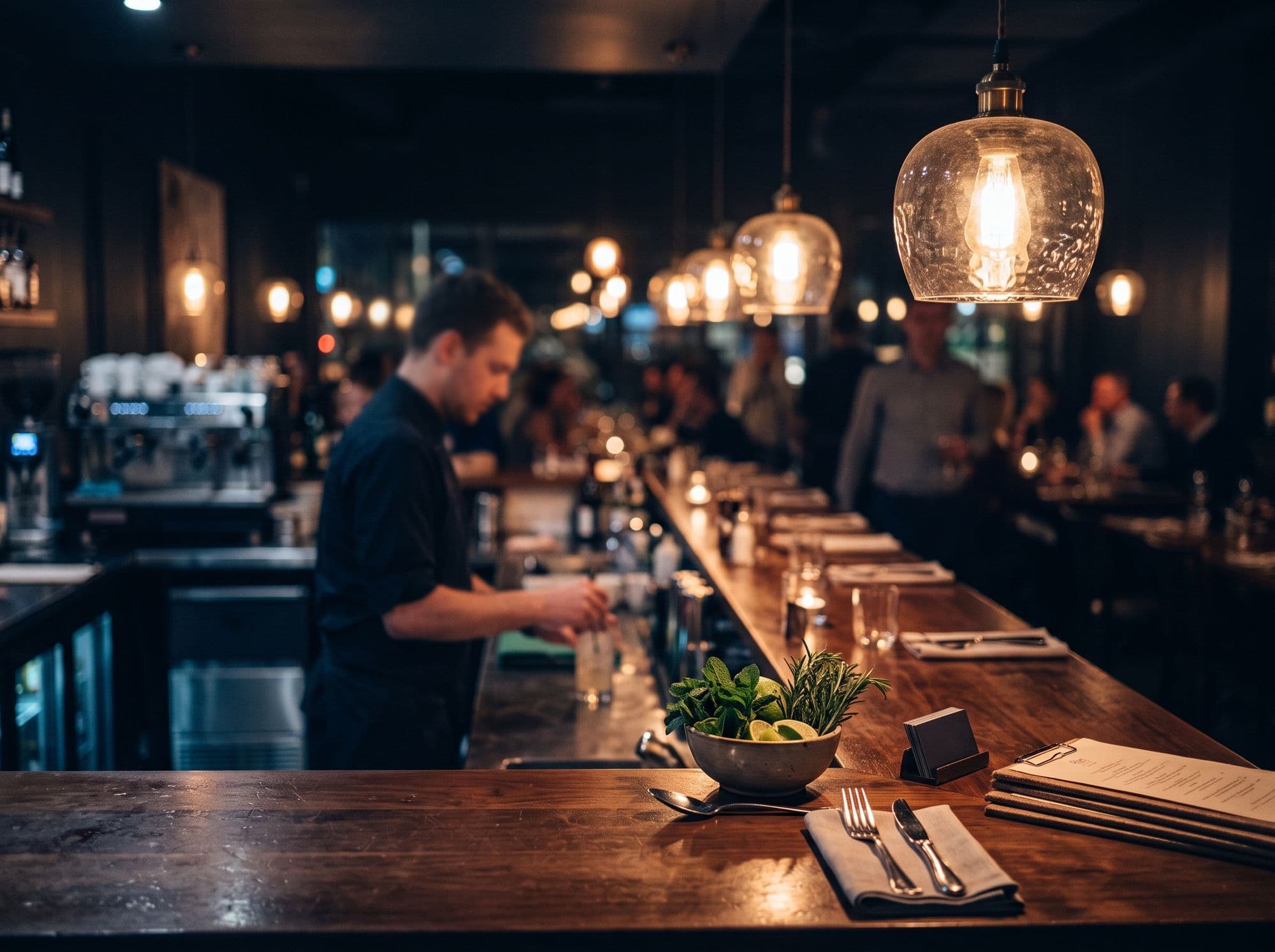
In a busy restaurant, orders written on paper or relayed verbally get lost between the floor and the kitchen, stock is counted by eye, and the day ends with a drawer of receipts to reconcile.
Owners want to know their real food cost and what will run out tonight, but that needs recipes, stock and sales connected to each other.
The solution
The Pixxoft Restaurant Management System connects orders and table service, the floor plan and reservations, inventory and recipe costing, staff and permissions, and payment takings and reporting. It is a restaurant management system rather than a point-of-sale hardware package.
One tap
Table to kitchen
Live
Stock and covers
Daily
Reconciled takings
Orders and table service
Take orders at the table, split or merge bills mid-service, and send tickets straight to the kitchen.
Floor plan and reservations
Every table's state at a glance, so walk-ins get seated without stepping on a booking already held.
Inventory and recipe costing
Stock is deducted per dish from its recipe, giving you a true food cost and early warning on what runs out tonight.
Staff, rotas and permissions
Shifts, clock-in and per-role access, so each person sees the part of the system their job needs.
Payments and reporting
Cash, card and wallet takings reconciled into one end-of-day total, broken down by item, server and hour.
Ideal for: Restaurants, cafés and small groups running table service, takeaway, or both at once.
- 01
Take the order
Staff take orders at the table and send tickets straight to the kitchen. Bills can be split or merged mid-service.
- 02
Run the floor
Every table's state is visible at a glance, so walk-ins are seated without clashing with a booking already held.
- 03
Track stock per dish
Each dish has a recipe. Selling it deducts the ingredients, giving a true food cost and an early warning on what is running out.
- 04
Close the day
Cash, card and wallet takings are reconciled into one end-of-day total, broken down by item, server and hour.
Request a walkthrough and we will show you the system with your type of business in mind, and answer your questions as we go.
Orders reach the kitchen straight away
Tickets go from the table to the kitchen the moment they are sent, rather than being relayed by hand.
A true food cost per dish
Recipe-based stock deduction shows what each dish really costs and flags what is about to run out.
A floor you can read at a glance
Table states and reservations sit in one view, so seating decisions are quick and clash-free.
A day that closes on one figure
Takings from every payment method reconcile into a single total instead of a drawer of receipts.
Who it is for
- Restaurants and cafés running table service, takeaway or both
- Small restaurant groups that want recipe-level costing
- Owners replacing paper order tickets and manual stock counts
- Managers who need per-role access for staff
Reports and insights
Reporting covers the numbers a restaurant checks every day:
- Takings by item
- Takings by server
- Takings by hour
- Food cost per dish
- Live stock levels and covers
We do not publish fixed prices, because no two businesses need exactly the same thing. You receive a written quote after we understand what you need, with the full breakdown before you commit to anything.
What affects the price
- Number of tables, staff and outlets
- Configuration to your menu, recipes and stock list
- Importing existing menu and stock data
- Hosting on our infrastructure or in your own cloud account
- Training and support after launch
- Any extension beyond the standard modules, including devices to connect
Does it work for both dine-in and takeaway?
Yes. The system is built for table service, takeaway or both running at once, with orders from each flowing to the same kitchen screen and the same end-of-day figures.
Can we split or merge bills during service?
Yes. Staff can split a table's bill between guests or merge tables mid-service without voiding and re-entering orders.
How does inventory tracking work?
Each dish has a recipe listing its ingredients. When a dish is sold, stock is deducted automatically, which gives you a true food cost per dish and a warning when something is running low.
What devices does it run on?
Any modern browser, so a tablet at the table, a till at the counter and a screen in the kitchen can all use the same system without installing anything on each device.
Is this a point-of-sale (POS) system?
Pixxoft's restaurant system covers orders, table service, bill splitting and payment takings, with the day reconciled into one total. We describe it as a restaurant management system, not a point-of-sale hardware package. If you need specific devices such as receipt printers or card terminals, tell us during discovery and we will confirm what can be supported before you commit.
Can you load our menu and stock list for us?
Yes. We can bring across menus, items and stock lists from spreadsheets or your current software, and you review them on a test environment before service starts using the system.
Tell us what you're trying to solve. We'll figure out the technology.