We design interfaces for websites, web applications and mobile apps: the structure, flows and visual detail that make software easy to understand, pleasant to use and straightforward for developers to build.
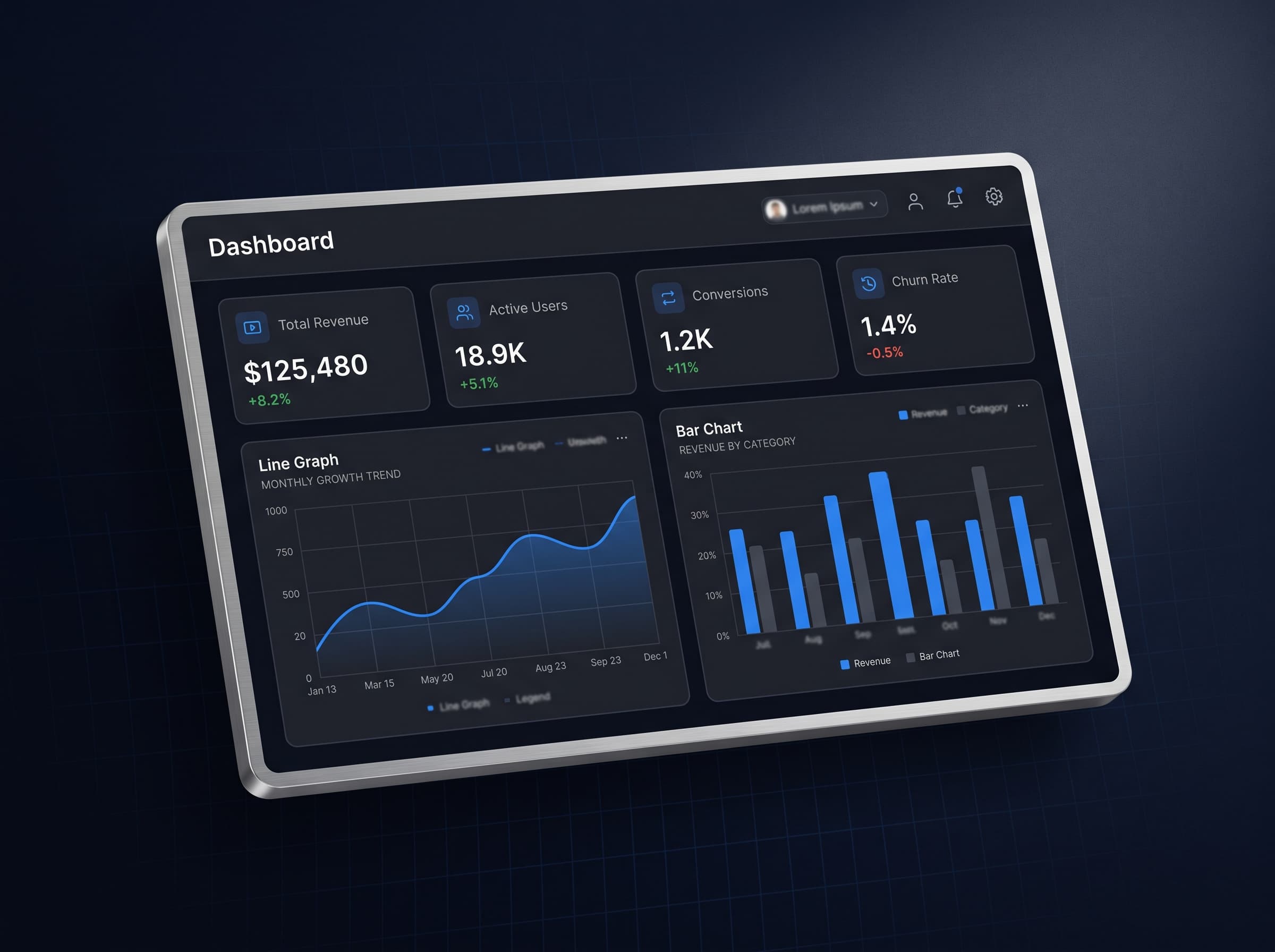
People rarely abandon software because it is missing a feature. They leave because they could not find something, did not understand a step, or the screen felt untrustworthy. Those are design problems, and they are far cheaper to fix before development than after.
Design is also what lets a product be built consistently. A shared set of components, spacing and rules means every new screen looks and behaves like it belongs, and developers are not left to guess.
Interfaces people understand at first glance.
Ideal for: Teams launching a product, or living with an interface that confuses the people it was built for.
- 01User research & journey mapping
- 02Wireframes & interactive prototypes
- 03Visual design & brand alignment
- 04Design systems & component libraries
- 05Usability review of existing products
- 01
Understand users and goals
We start with who will use the product, what they are trying to do and what the business needs from it. Interviews, existing data and a review of how competitors solve the same problem inform the brief.
- 02
Structure and wireframe
Information architecture and low-fidelity wireframes settle navigation, page structure and key flows first, before anyone argues about colour.
- 03
Prototype and test
Interactive prototypes let real users attempt real tasks. We watch where they hesitate and fix it while changes are still cheap.
- 04
Visual design and a design system
We finish the interface and document its components, spacing, type and colour as a design system, so the build stays consistent and future screens come faster.
Brand-led websites
Layouts and visual language that make a business look as considered as it is. For Ceyora Cosmetics, restraint and photography carry a premium feel.
Product and web application design
For GenKit Lab, a catalogue of sixty tools needed structure and search that made the privacy promise obvious at the point of use.
Redesigning a product that has grown messy
Auditing an existing interface, fixing the flows that lose users and consolidating inconsistent screens into a coherent system.
Design handover to your developers
Annotated, componentised design files and a design system your own team can build from, if you already have developers.
Technology we use for this
- Wireframes
- Interactive prototypes
- Design systems
- Accessibility review
- Tailwind CSS
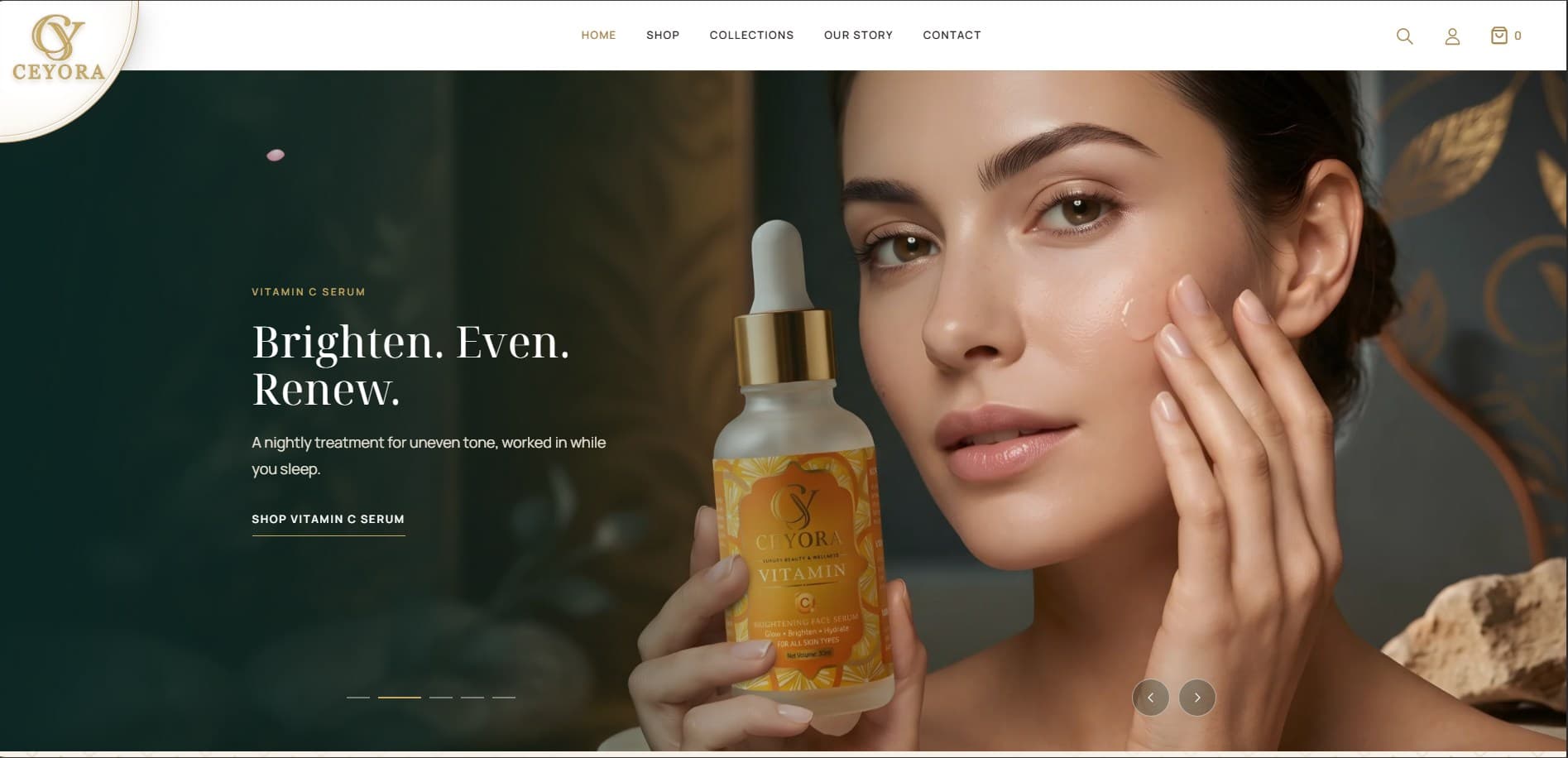
Luxury skincare
Ceyora Cosmetics
A luxury skincare storefront for a Sri Lankan brand, pairing a calm, gold-and-marble look with a full online shop built for tropical-skin rituals.
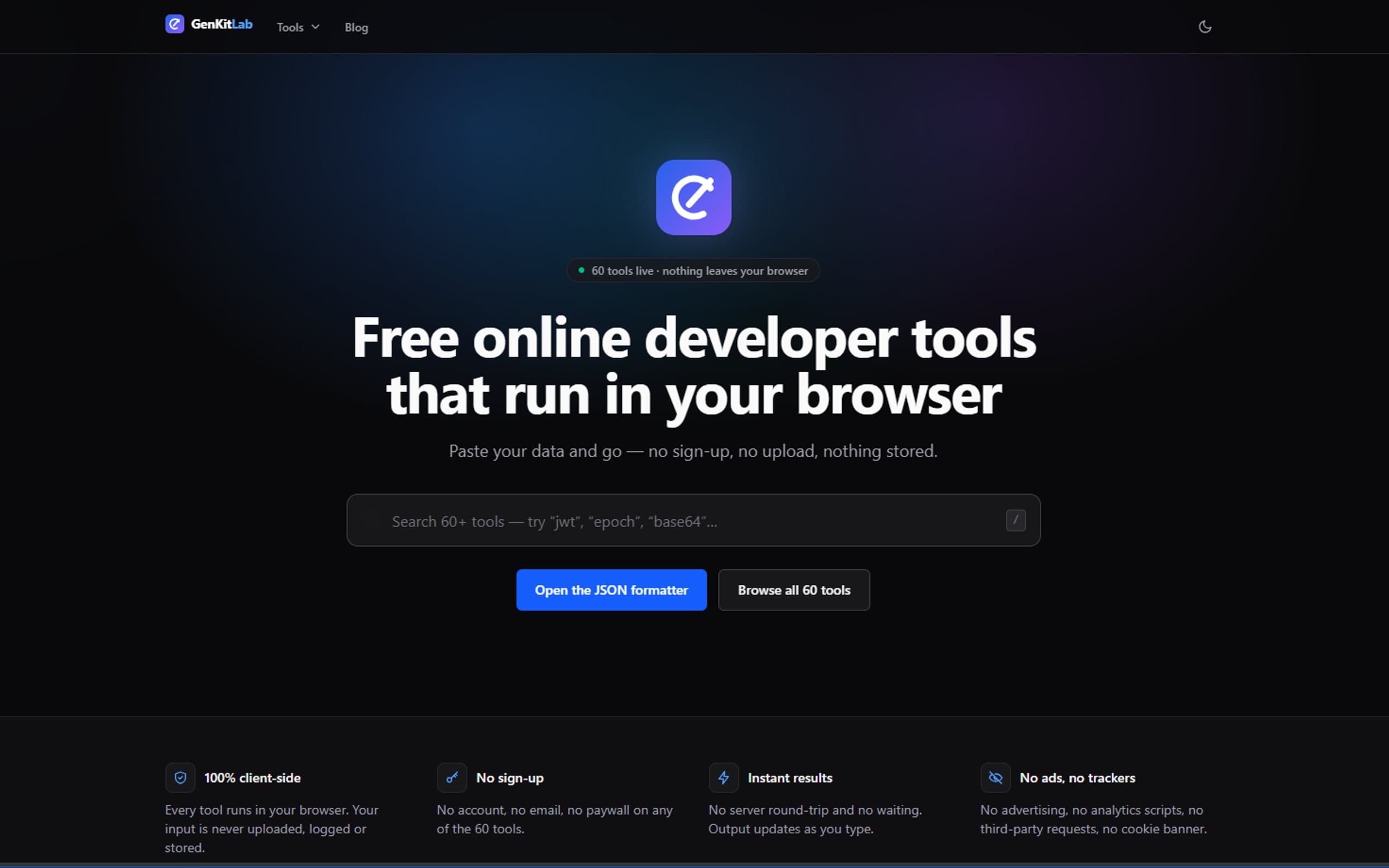
Developer Tools
GenKit Lab
A privacy-first toolkit of 60 browser-based utilities for developers, designed and built for our client GenKit Lab. Every tool runs entirely client-side, with nothing uploaded and nothing stored.
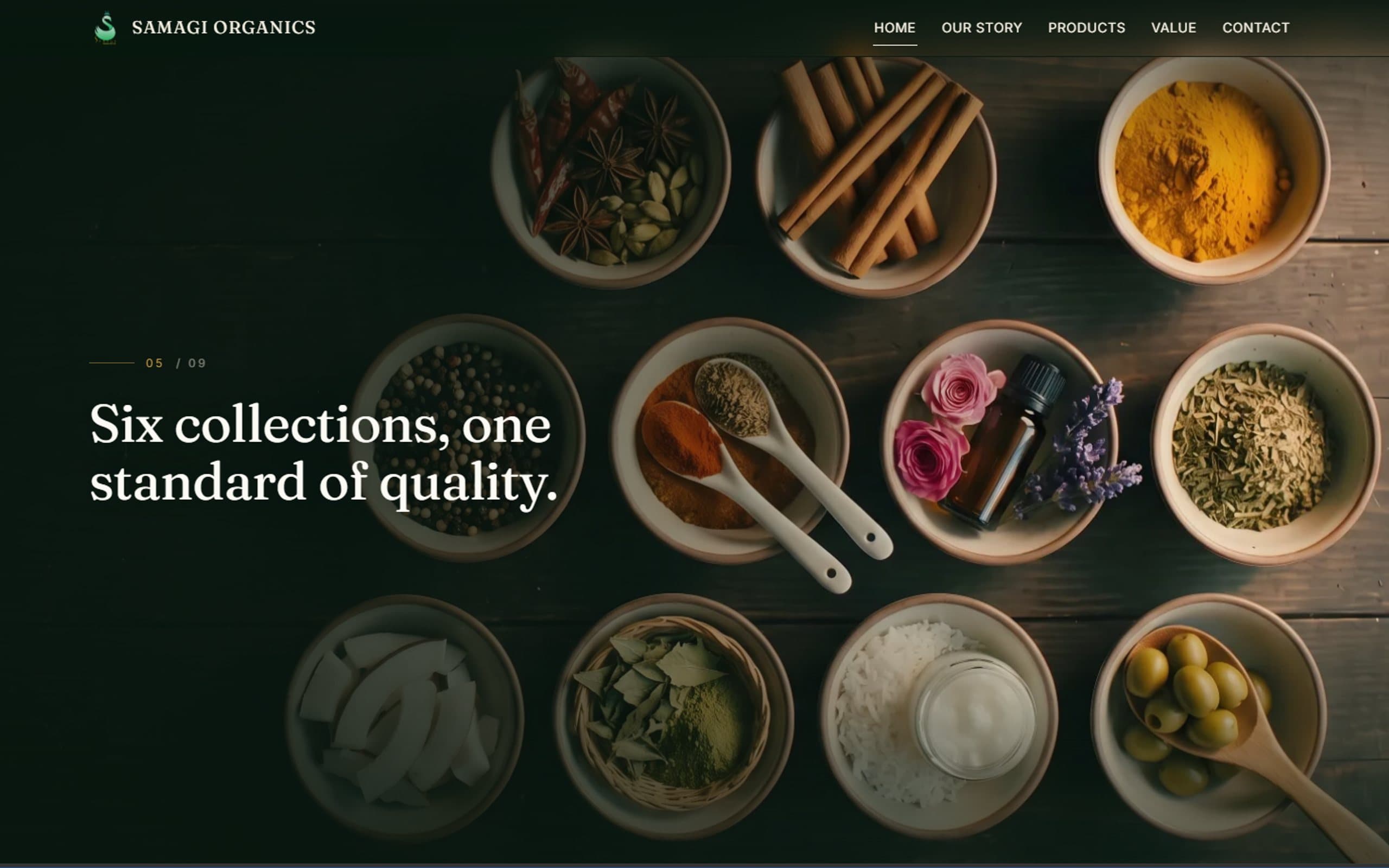
Organic export
Samagi Organics
A premium digital experience created for a Sri Lankan organic export brand.
Other solutions
We do not publish fixed prices, because no two businesses need exactly the same thing. You receive a written quote after we understand what you need, with the full breakdown before you commit to anything.
What affects the price
- Number of screens and user journeys
- Depth of user research and usability testing
- Whether a full design system is needed
- Brand and visual identity work
- Handover to your developers, or design and build together
- Redesign of an existing product versus a new one
What is the difference between UI and UX design?
UX covers how a product works: the structure, flows and whether people can complete their tasks. UI is how it looks and feels on screen: layout, type, colour and detail. Good products need both, and we treat them as one process.
Can you design only, without building it?
Yes. We can deliver the design and a design system for your own developers to build, or design and build together, which usually gives the most faithful result because the two teams are one.
Do you do user research?
Yes, scaled to the project: short interviews with the people who will use the product, review of existing usage data, and usability tests on prototypes. We do not invent research for projects that do not need it.
Can you redesign our existing website or app?
Yes. We begin with an audit of what exists, identify where users struggle and decide with you whether a refresh or a ground-up redesign is justified. Where possible we keep what already works.
Do you design for accessibility?
Yes. We check contrast, text size, focus states and keyboard use as part of design, because retrofitting accessibility later is expensive and it improves the product for everyone.
Tell us what you're trying to solve. We'll figure out the technology.